Define what a useful result looks like
There is no single model choice that answers every creative or work question. Begin with the material you have and the output you need. A conversation grounded in a document, a character image and a reference-driven video require different inputs and controls.
Write a short acceptance checklist before comparing results. For a project summary, that might mean accurate facts, visible uncertainties and a usable structure. For a character sheet, it might mean consistent clothing and recognizable features across views. Specific criteria make the comparison more useful than a general impression of polish.
Read capabilities as capabilities
The Astra models page includes comparisons drawn from a dated OpenRouter catalog snapshot. Use it to explore supported inputs, formats and provider capabilities. The page is not a quality leaderboard, a measured benchmark or a statement that every provider feature is included in every Astra account.
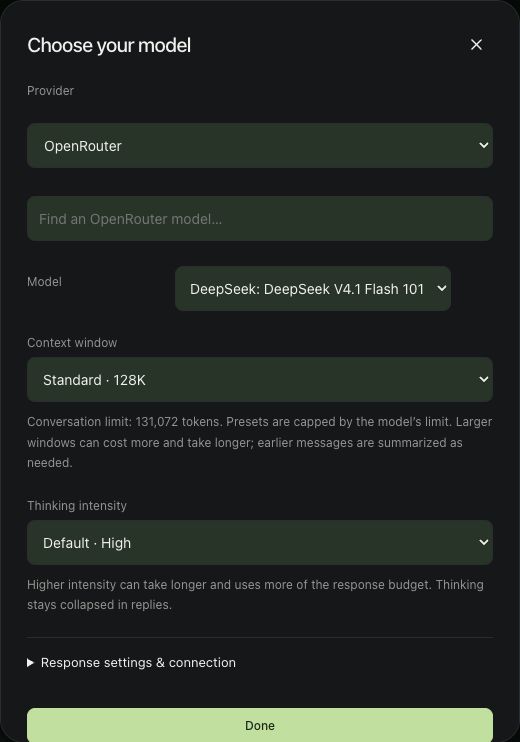
Check the model actually selected in the app and the controls available in that workflow. Confirm whether it supports the reference type you intend to use. Model availability, limits and provider details can change; consult the linked provider information and your current workspace before starting a paid run.
Keep a small comparison fair
Use the same task, source material and output requirements for each candidate. Record meaningful settings. If one result fails, describe the failure precisely: a missed fact, an unsupported promise, an altered product detail or a character that changes between views.
Our image study used the same samurai reference and prompt with two image models. That makes the examples easier to compare, but two outputs cannot establish a universal ranking. For chat work, use the same brief and ask each model to distinguish evidence from assumptions. Judge the result against the actual source, not simply its confidence.
Keep the execution route and budget explicit
A local workflow and a connected cloud workflow are different execution choices. The model name alone does not tell you which route is selected. Check the app’s local or connected label and any provider charge before generating. Set a budget for the comparison and choose how many outputs will be useful before you begin.
For this site’s creator and sound-reference video examples, the documented workflow uses local MiniMax H3. Choose the route that fits your own constraints and keep comparisons bounded. Once a model meets the brief, carry the result into review, editing or the next conversation instead of generating variations without a clear reason.