Start with who is having the conversation
Phone is Astra’s AI-integrated softphone for the calls and messages you handle. Phone Agents are configured voice agents with a role, selected knowledge and permitted tools. The distinction matters because opening a dialer and configuring an agent are different jobs.
If you want to make a call yourself, begin with Phone. If you want to define how an AI voice agent should respond, begin with Phone Agents under Office. Provider setup and account configuration determine which live calling capabilities are available. Keep the caller’s needs and the intended handoff clear in either workflow.
Use the softphone as your communication workspace
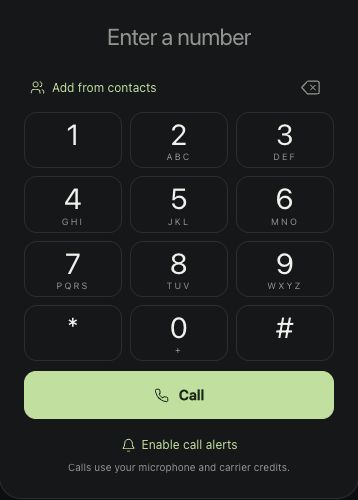
The actual Phone captures on this site show the dialer, messages and navigation for recent activity and saved agent-call context. Those screens make the product concrete: you can see the communication surface separately from the agent configuration.
Before a real call, confirm the intended contact and the provider state in your workspace. Keep the purpose of the conversation close. If you are following up on prior agent activity, inspect the relevant context instead of assuming that an action mentioned in a conversation was completed.
Give the agent a bounded role
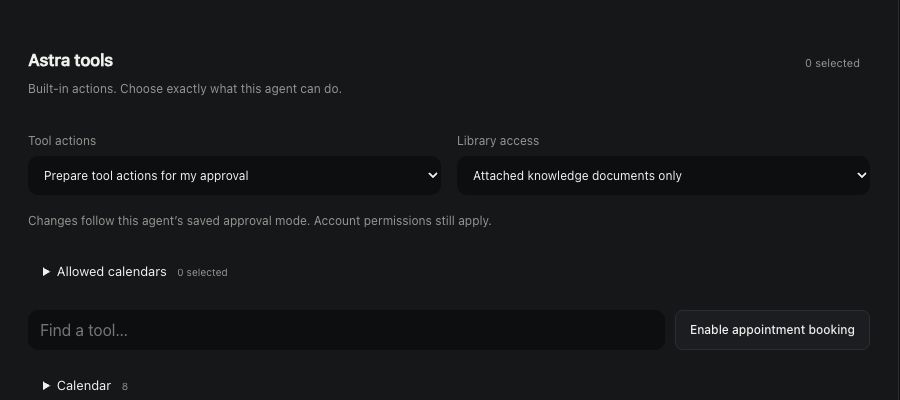
A useful Phone Agent begins with a specific job and the information needed to do it. Define what it can answer, which sources it may use and what requires a person’s decision. A calendar-related workflow should distinguish checking availability from creating a booking.
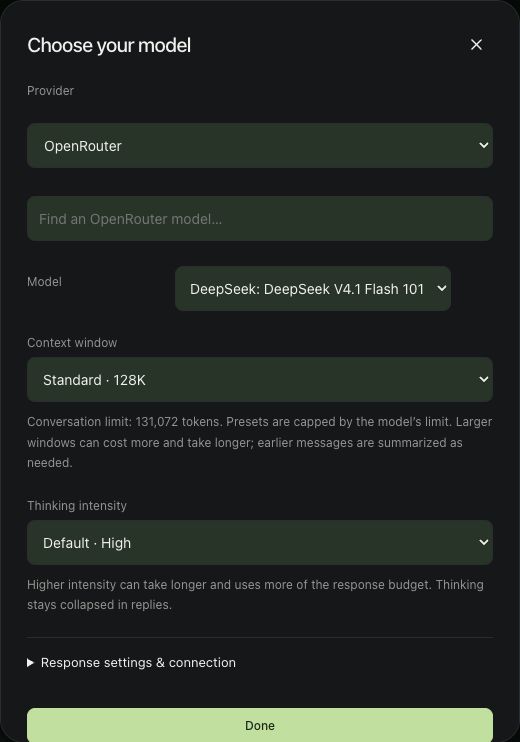
The site’s American voice examples demonstrate delivery using saved Eleven v4 recordings. They are scripted samples, not recordings of live customer calls or proof of an executed appointment.
Judge the workflow, not only the voice
A pleasant voice is one part of a good experience. Review whether the agent asks a useful question, handles missing information honestly and makes the next step clear. Test the permitted tools separately in an environment you control before relying on a workflow with real callers.
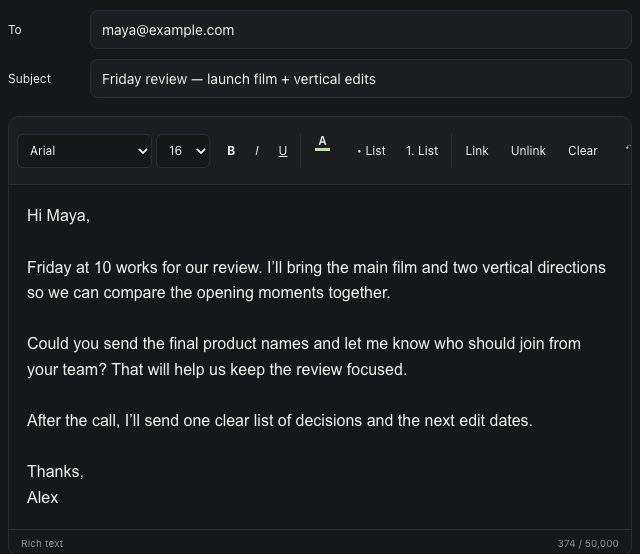
The same product distinction applies elsewhere in Office: Chat, Email and Phone are communication products; Chat Agents, Email Agents and Phone Agents are configured AI agents. Keeping those roles clear helps you choose a starting point and understand where permissions, review and delivery belong.