Begin with a question that needs context
A client’s message may refer to a brief in Drive, a decision in a team conversation and a deadline in a calendar. A useful agent workflow connects those pieces around a specific question. Start by defining the answer or draft you need, then identify the sources that support it.
For example, ask for a project-review agenda grounded in the current brief. That is a clearer starting point than connecting every tool and asking the agent to manage the project. The first workflow should be small enough that you can inspect its inputs and judge its result.
Connect the source you actually need
Astra’s connection catalog includes Composio options such as Gmail, Google Drive, Outlook, Slack, Notion and HubSpot. A catalog entry is an available connection option, not proof that your account is connected or that an agent can already read every item in it.
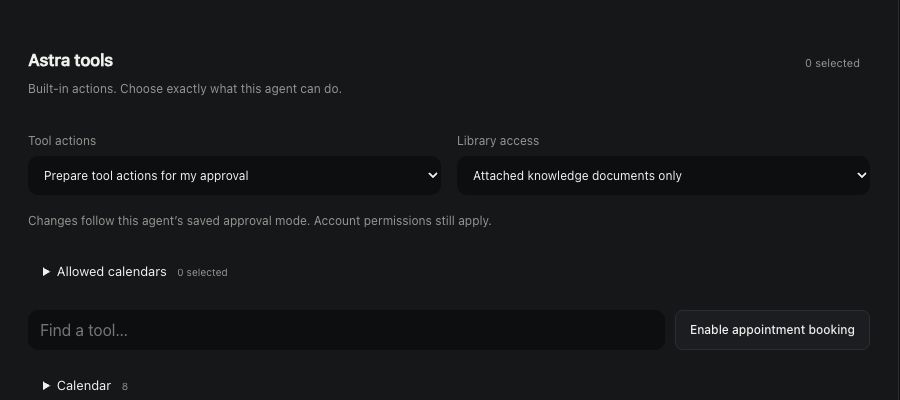
Confirm the account and access scope in the workspace. Select the relevant knowledge and permitted tools for the agent. If a document is missing or access fails, the response should identify that gap rather than inventing the document’s contents. Be explicit about which version of a brief takes priority.
Separate reading from acting
Reading a file, preparing a reply and sending that reply have different consequences. Define them separately. The actual agent controls captured for this site distinguish tool permissions; the Email Agent also has delivery controls that deserve their own review.
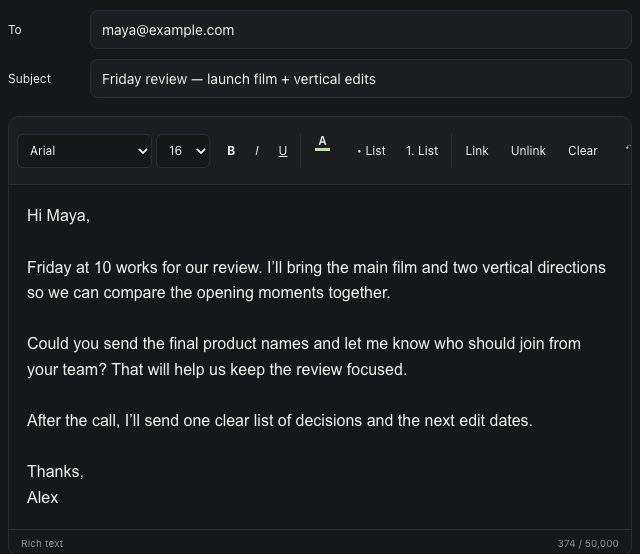
After reviewing the agenda, decide which next steps need a message, a calendar event or a person’s judgment. Keep the agent’s task specific enough that the result is easy to check.
Make the handoff visible
Review the result against the source material. Distinguish facts, suggestions and missing information. If the next step belongs in Team Chat, include the decision, owner and timing in a compact handoff rather than pasting an entire transcript.
After you authorize a real external action, verify its result in the relevant service. A sent message, saved record or confirmed calendar event is a different outcome from a draft proposing one. Start with a narrow workflow, learn how it reports problems, and expand only when the responsibilities and permissions are clear.