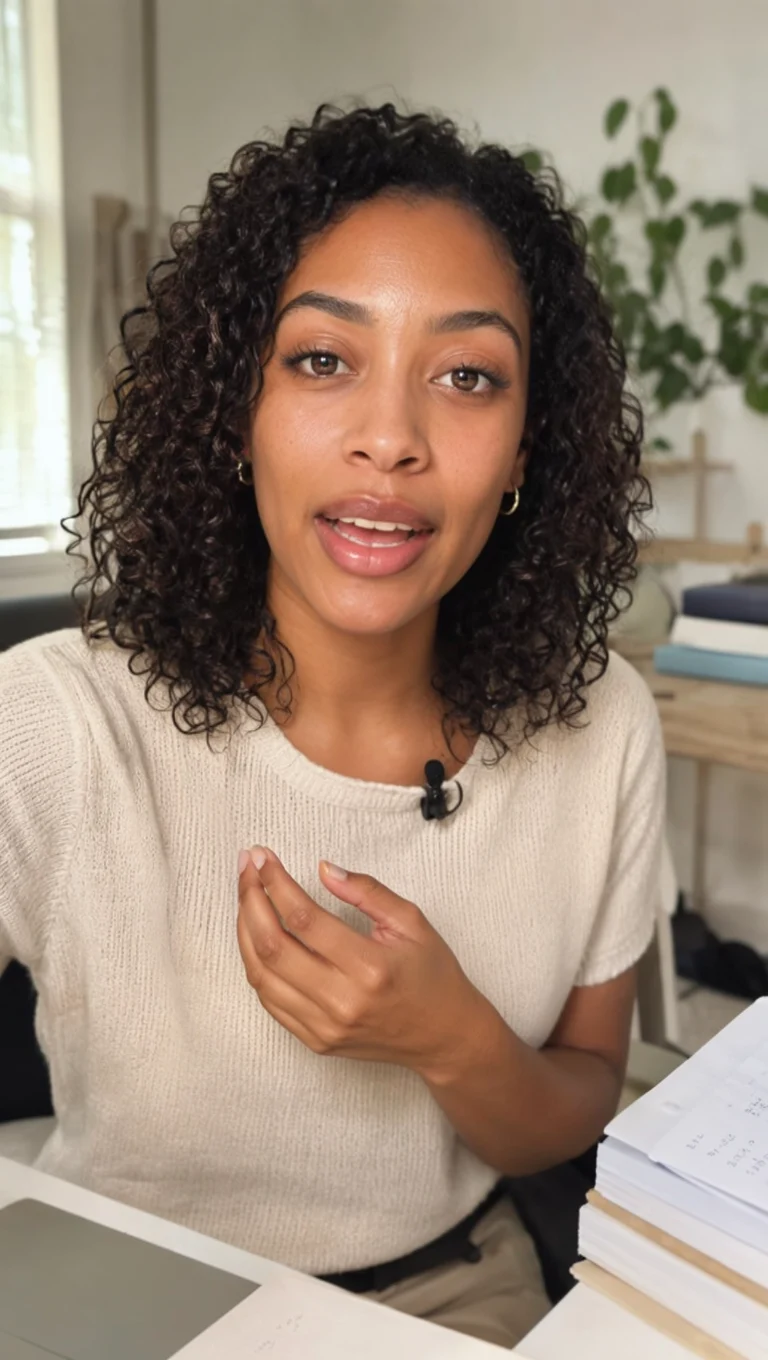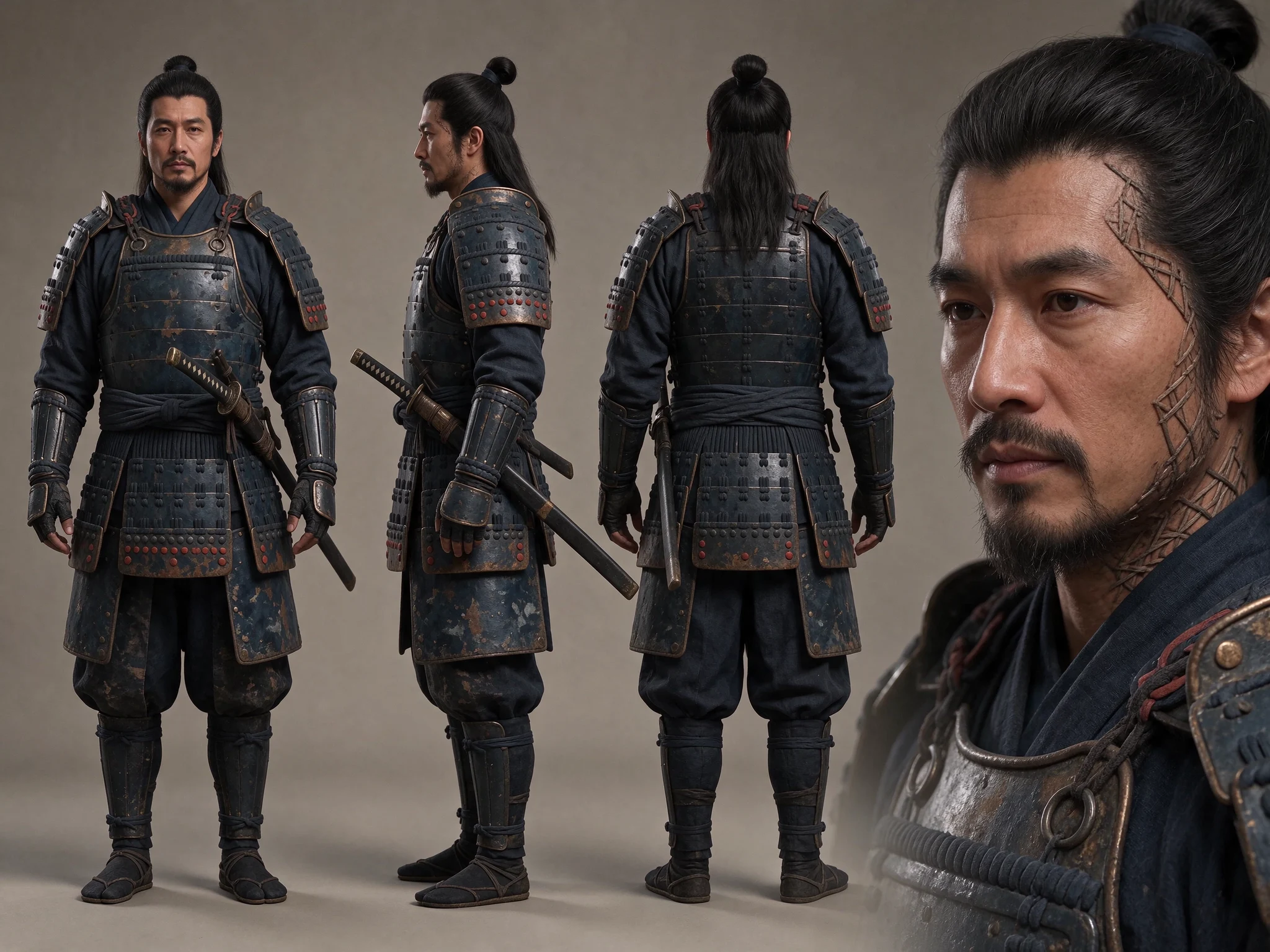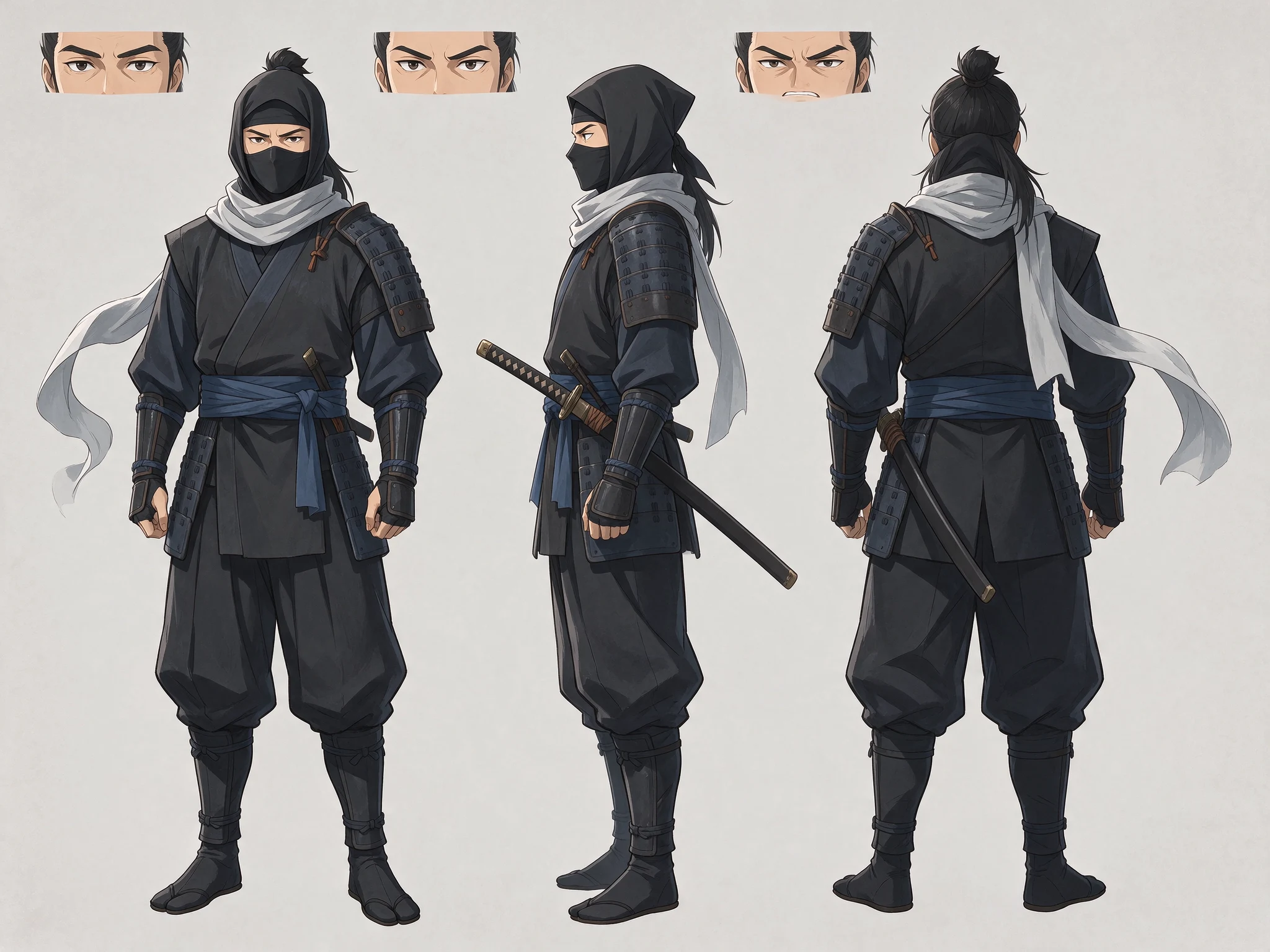
The outcome
A reusable set of character instructions and reference images you can carry across a project. Identity kits help preserve creative direction; they do not train a new character model or guarantee perfect likeness.
Before you start: choose clear, permission-cleared references and a workflow that supports the type of image conditioning you need.
Define the character before the scene
Open Identity kits (called Kits in some versions). Create a character kit. Record identity, appearance, wardrobe, visual style and consistency instructions. Keep permanent traits separate from details that should change in each scene.
Useful direction is specific: “short dark curls, a rust-colored jacket, silver round glasses.” Avoid contradictory descriptions across the kit and your scene prompt. Add reference images from the Library and assign appropriate roles.
Preview the references the model will use
Select Use kit to open an image or video workflow, or select the kit under Creative kits. Use Preview to inspect the combined prompt, compatible references and warnings before generating.
A model may not accept every reference in the kit. Explicit references take priority within its input limits. Resolve warnings rather than assuming that a saved image is being used for identity conditioning.
Carry the direction across the project
In your project, use Project kits to choose default guidance. New workflows and storyboard shots can inherit those defaults, use a custom selection or explicitly clear the selection.
Use Use project defaults to restore inheritance after an experiment. When you open a storyboard shot in Video and save it back, its inherited or custom kit selection is preserved.
Keep scene prompts focused on the action, location and camera. Let the kit supply stable identity details so you are not rewriting them inconsistently.
Review continuity before the final cut
Compare the face, hair, wardrobe, proportions and signature props across selected takes. A technically successful generation may still break the story’s continuity.
Regenerate weak shots with clearer references or simpler changes. Completed jobs keep the kit version used for that generation, so editing a kit later does not rewrite the history of an earlier take.
Choose a cohesive sequence, then move it into Storyboards and the video editor. Continuity comes from both consistent inputs and careful selection.