Choose the job of the image
A product image might explain an object, introduce a feeling or show it in someone’s hands. Choose one of those jobs first. A campaign frame can be expressive; a detail image needs the shape and material to remain easy to understand. The composition should help a viewer notice something specific.
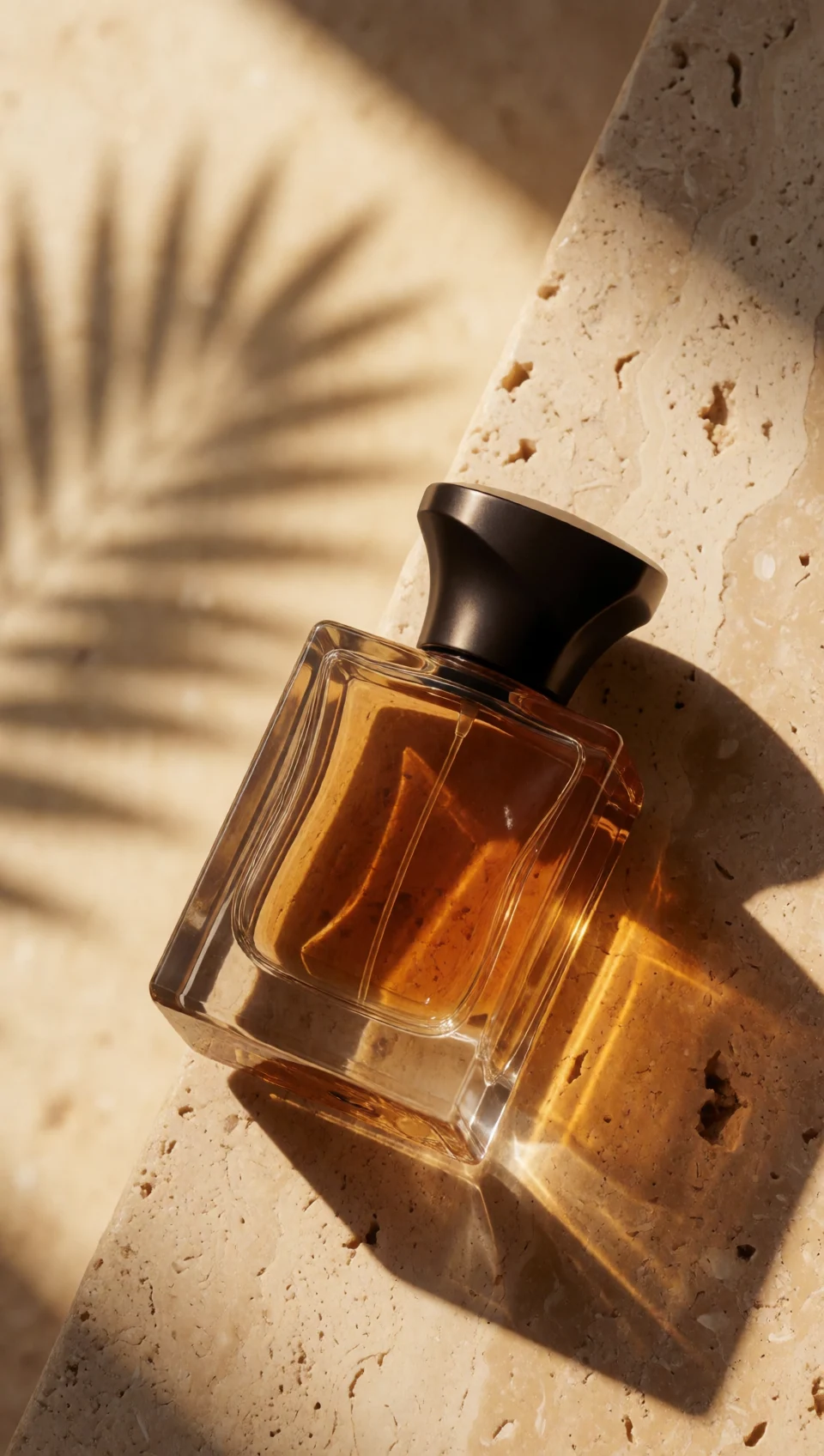
Our collection includes fictional fragrance, headphones, footwear and skincare concepts. They explore different creative directions rather than representing customer products or brand endorsements. For a real item, use references you have permission to use and verify every visible product detail against the actual object.
Describe materials and light
Concrete descriptions give the image a useful foundation. Explain whether glass is clear or frosted, whether a surface is matte or polished, and where light enters the scene. A simple backdrop can make refraction, texture or edge detail more visible than a busy environment.
That direction establishes an object, a material relationship and a lighting choice. Add unusual surroundings only when they help the product story.
Make people and products belong together
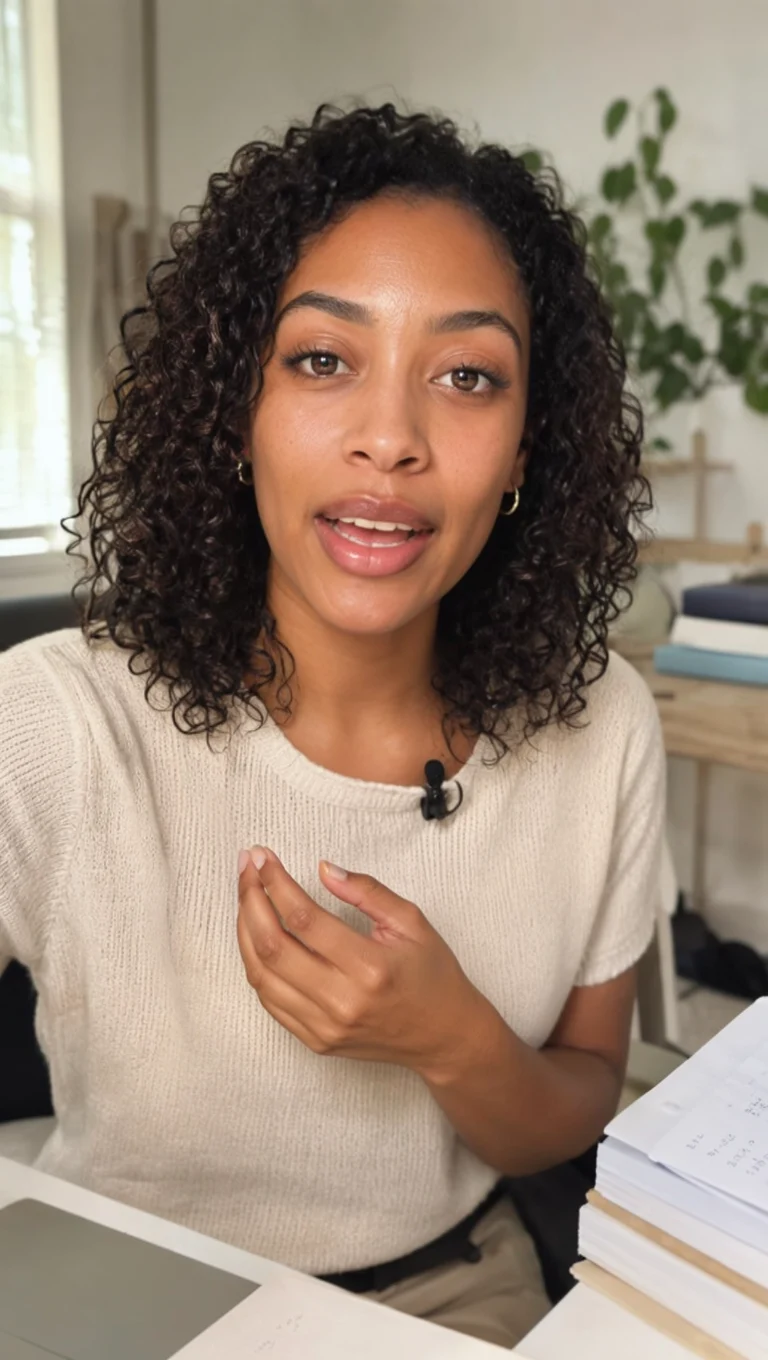
A creator holding a product needs a plausible grip, a believable scale and an expression suited to the message. Ask for a small, natural gesture. Place the object where it can be seen without covering the face. Our skincare example uses an original fictional creator and a plain frosted bottle; it is a concept, not a claim about a real formula or result.
Check both hands, bottle openings, reflections, seams and repeated elements. Read any generated lettering carefully. If a detail changes the product’s meaning or appearance, fix the image before turning it into a film.
Build a family of images
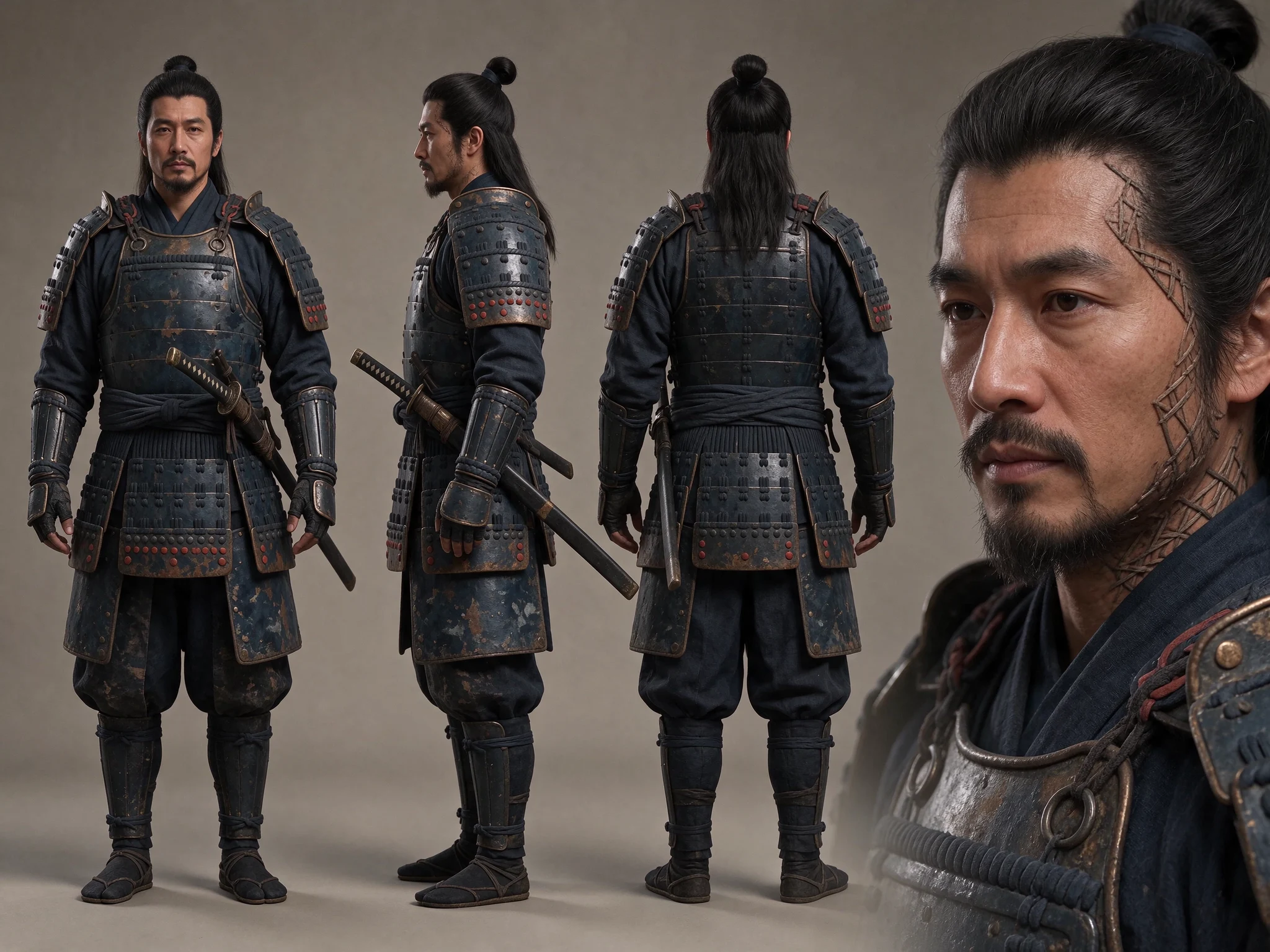
Choose a few consistent decisions: a lighting direction, background material, camera distance and visual tone. Then vary the role of each frame. A wide scene can establish the setting, a medium image can show use, and a close detail can reveal material. The set should feel related without repeating the same composition.
Compare your chosen images together and at the size they will appear on a phone. Save the strongest references for later animation or editing. The image’s job is to communicate a deliberate idea; a longer prompt alone does not make the result more convincing.