The outcome
A finished video with intentional pacing, recorded narration, music and styled captions. This workflow uses existing clips and audio files. The editor does not synthesize voiceover or automatically transcribe captions.
Before you start: have your video clips, permission-cleared soundtrack, recorded voiceover and optional SRT file ready in My library.
Arrange and trim the story
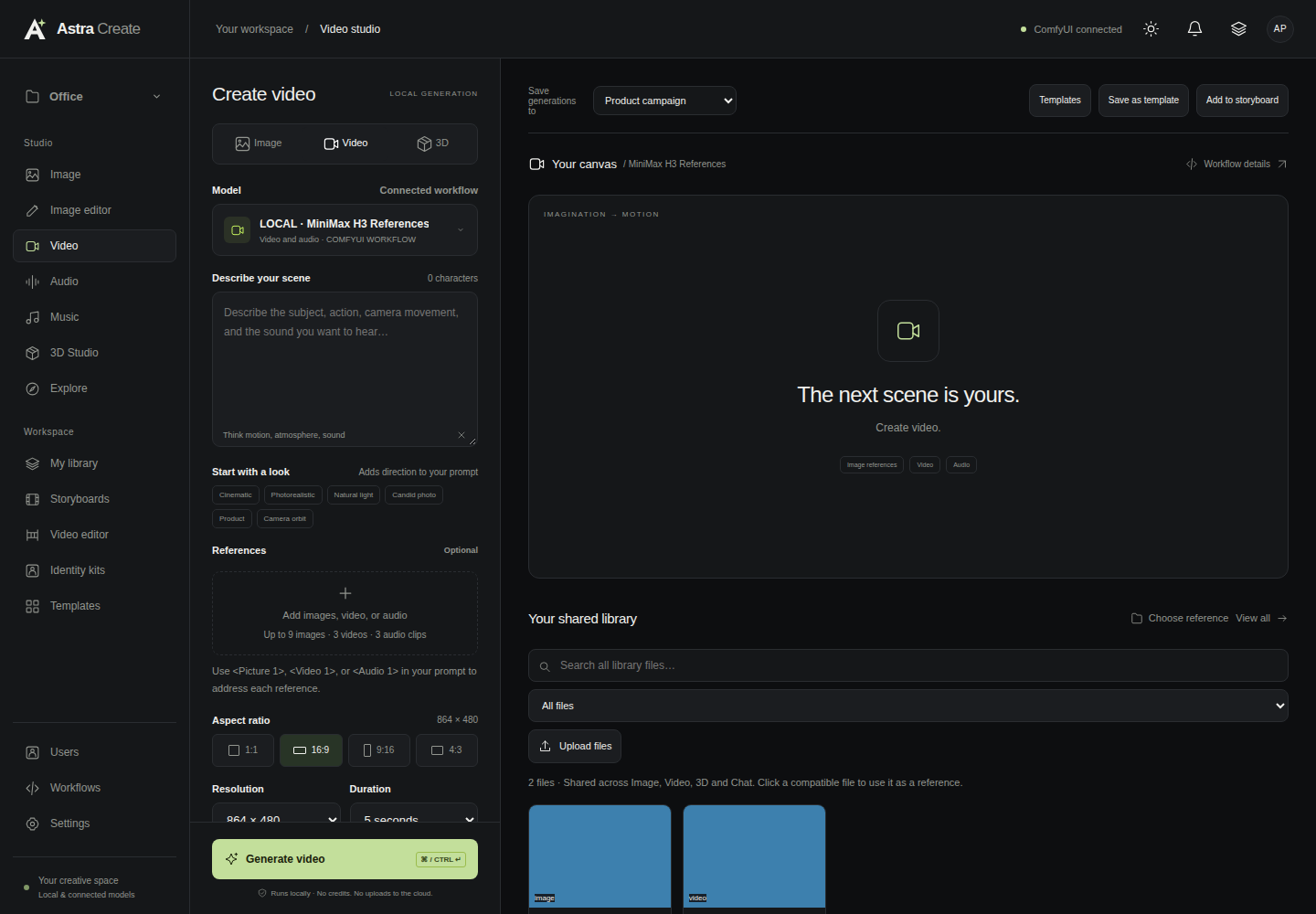
Open Video editor (Editor in some versions), or choose Open video editor from a storyboard. Add generated videos or upload your own footage through the Library.
Reorder clips by dragging or using the arrow buttons. Set source in/out points, playback speed, volume or mute, and fade durations for each clip. Removing a clip from an edit preserves its source file.
Cut anything that does not help the story. Watch the sequence without music first to make sure the visual rhythm works on its own.
Add narration and music
Select a recorded voiceover from the Library or upload audio. Set its source trim, timeline start and volume. Add a music soundtrack the same way and optionally loop the selected music segment.
These tracks mix with the audio retained in your clips. Reduce competing clip audio and keep music below the spoken voice. If you create narration in a separate Audio workflow, wait for the completed file to appear in the Library before selecting it in the editor.
Make the words readable
Write timed captions at the playhead or import an SRT file. Review every line, especially names and product terms. Adjust timing, font size, color, background and position.
Keep captions short enough to read at normal playback speed. Use contrast that survives both bright and dark shots. The editor previews caption placement and includes styled captions in the exported MP4.
Use Download SRT if you also need a separate caption file. Caption creation is manual or imported, not automatic transcription.
Save, export and listen again
Choose Save edit to persist the shot, audio and caption settings. Then choose Export MP4. The editor saves first and creates a 720p or 1080p H.264/AAC video in the storyboard’s selected shape.
The finished file appears under Exports, in the Library and in its project. Check the exported file, not only the browser preview: final fades and the complete audio mix are applied during export.