Aim for an answer you can use
Start with a decision, a review or a draft. This example turns a project brief into a review agenda. Astra supports AI conversations with files and connected sources, subject to model, tool and account availability.
The goal is a useful response grounded in the material the agent can access. It is not a guarantee that every file, source or connected application is visible to every model.
Choose the relevant material
Bring the current brief and any document that defines the work. Remove ambiguity about versions. Tell the agent which source takes priority when documents disagree, and ask it to flag a missing file rather than inventing its contents.
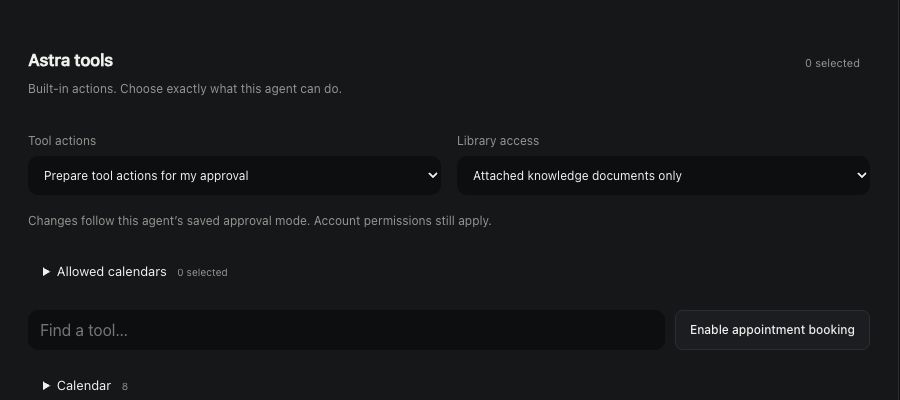
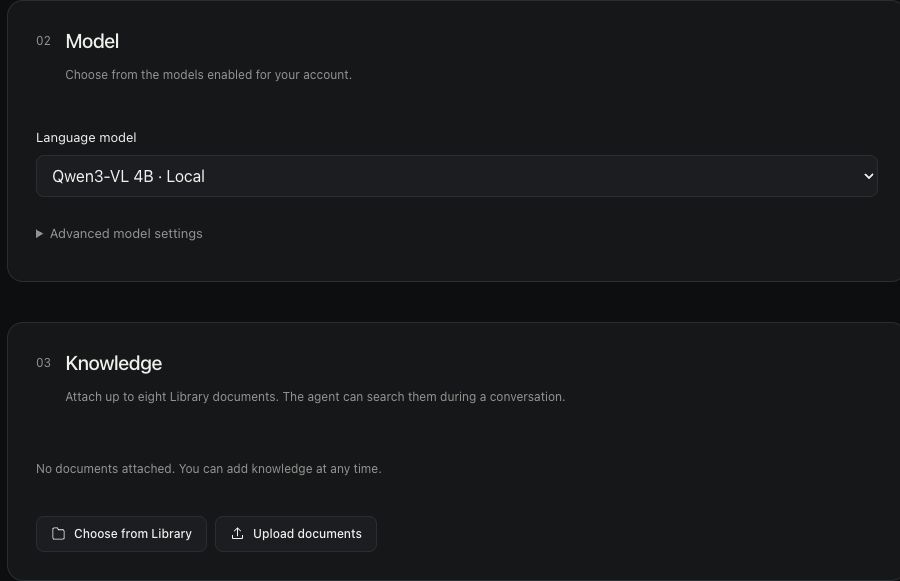
Review the configured knowledge and tools for the conversation. If a source must be connected first, verify that connection. A reference to a file in a prompt does not itself give the agent access to that file.
Ask a bounded question
Tell the agent what to produce and who will use it. For a review agenda, identify the decisions that need people’s attention and the format that will help them prepare.
Compare the response with the brief
Open the source material and check the answer. Look for added deadlines, unsupported claims, invented approvals or omitted requirements. Ask a follow-up that points at the exact gap.
Keep factual checking separate from style. A polished response can still misunderstand the project. Refine the substance first, then adjust length or tone.
Carry the result into the next conversation
Review the final agenda and share the appropriate version with your team through your normal collaboration workflow. If the agent proposes an external action, inspect the configured permissions and any required approval before proceeding.
This website’s example does not send a team message or create an appointment. The workflow succeeds when the reviewed answer helps someone make the next decision.