The outcome
A voice agent with access to selected knowledge and calendars, able to check availability and request confirmation before a permitted booking action. This is a configuration guide, not a promise of autonomous or error-free scheduling.
Before you start: your account needs Voice Agent access and a connected calendar imported in Calendar. You also need the appropriate provider connection for hosted agents.
Give the agent a focused job
Open Office → Voice Agent → Agents and choose or create an agent. Write the service it supports, the information it should collect and the situations it must hand back to you.
Under Knowledge, attach relevant Library documents, such as a service description or scheduling policy. Define business hours, appointment length and exceptions clearly. Calendar availability alone does not capture every business rule.
Choose tools and calendar boundaries
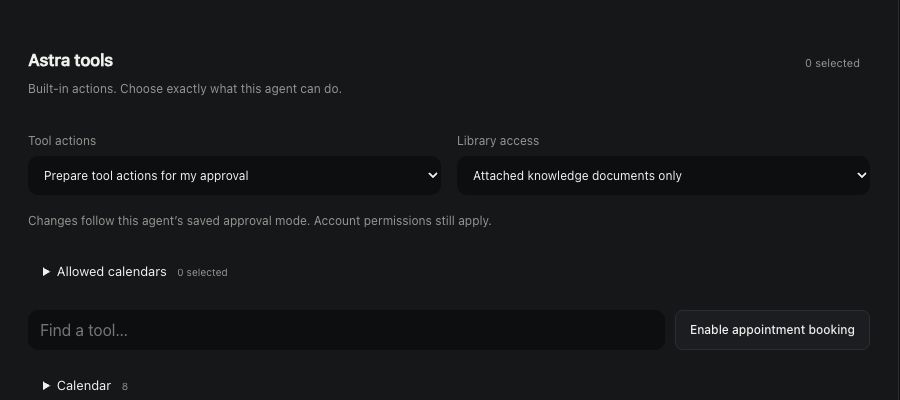
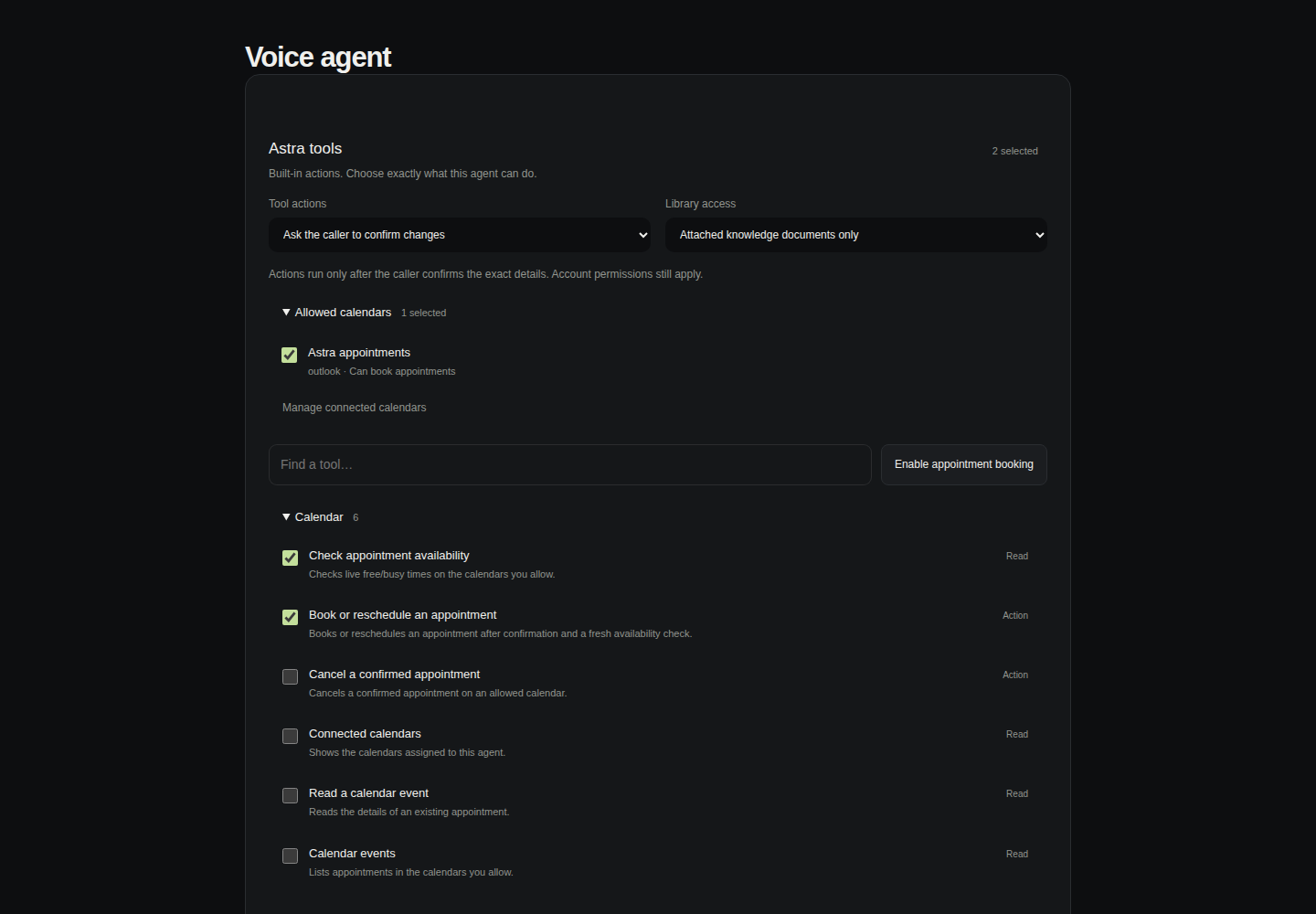
Under Astra tools, select the individual operations you need or choose Enable appointment booking. Select Allowed calendars from calendars already imported in the Calendar tab.
Choose Attached knowledge documents only unless there is a specific need for broader Library access. Whole-Library browsing requires explicit selection and the relevant file-read tools.
Native appointment actions do not require an external connector mapping. Existing external connectors can coexist, but they should not be added without a clear purpose.
Keep the caller in the decision
Choose caller-confirmed actions or read-only operation. For a write, the agent should read back the exact appointment details and obtain the caller’s confirmation before acting.
Astra checks fresh calendar availability immediately before a booking or reschedule. Missing data, provider errors and conflicts block booking. Other calendar editors can still make changes, so do not describe this as a guarantee against every race or scheduling conflict.
Save and validate a narrow workflow
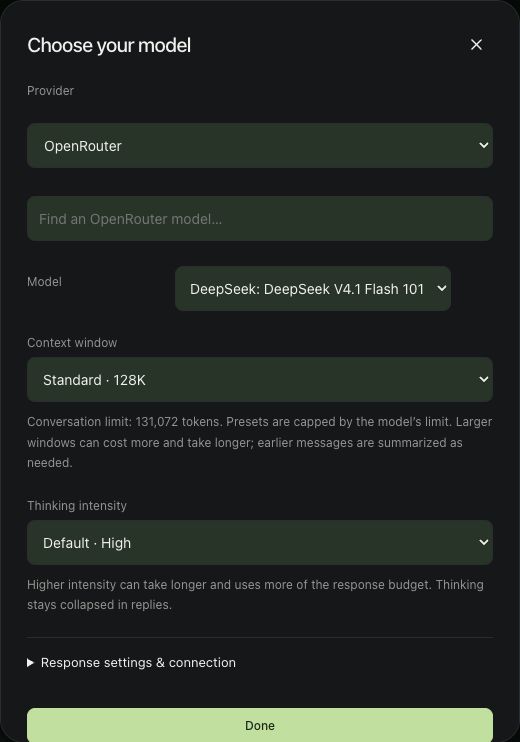
Save the agent. For an ElevenLabs hosted agent, Publish applies changed tools to the hosted agent and fallback. Local Nemotron uses saved tools at the start of its next conversation.
Review the configuration before testing with real people. Check read-only availability first, then use an authorized test appointment to verify confirmation, correct calendar selection and the actual saved result.
Keep the initial scope small. Expand only after you understand the agent’s behavior, provider requirements and operational limits.